
Nonprofit grants
A step-by-step guide to finding federal and foundation grants, writing competitive proposals, and submitting with confidence, built for 501(c)(3) organizations.
Templates for every funder type
Foundation, federal, corporate, and community templates with funder-specific prompts.
AI eligibility check
Paste an opportunity and Compass checks whether your 501(c)(3) qualifies before you write.
Section-by-section workspace
Executive summary, needs statement, evaluation plan, and budget, with AI feedback on each.
Where nonprofit grants come from
GrantCopilot helps you write proposals for any funder type. Each source has different expectations, so know the difference before you start.
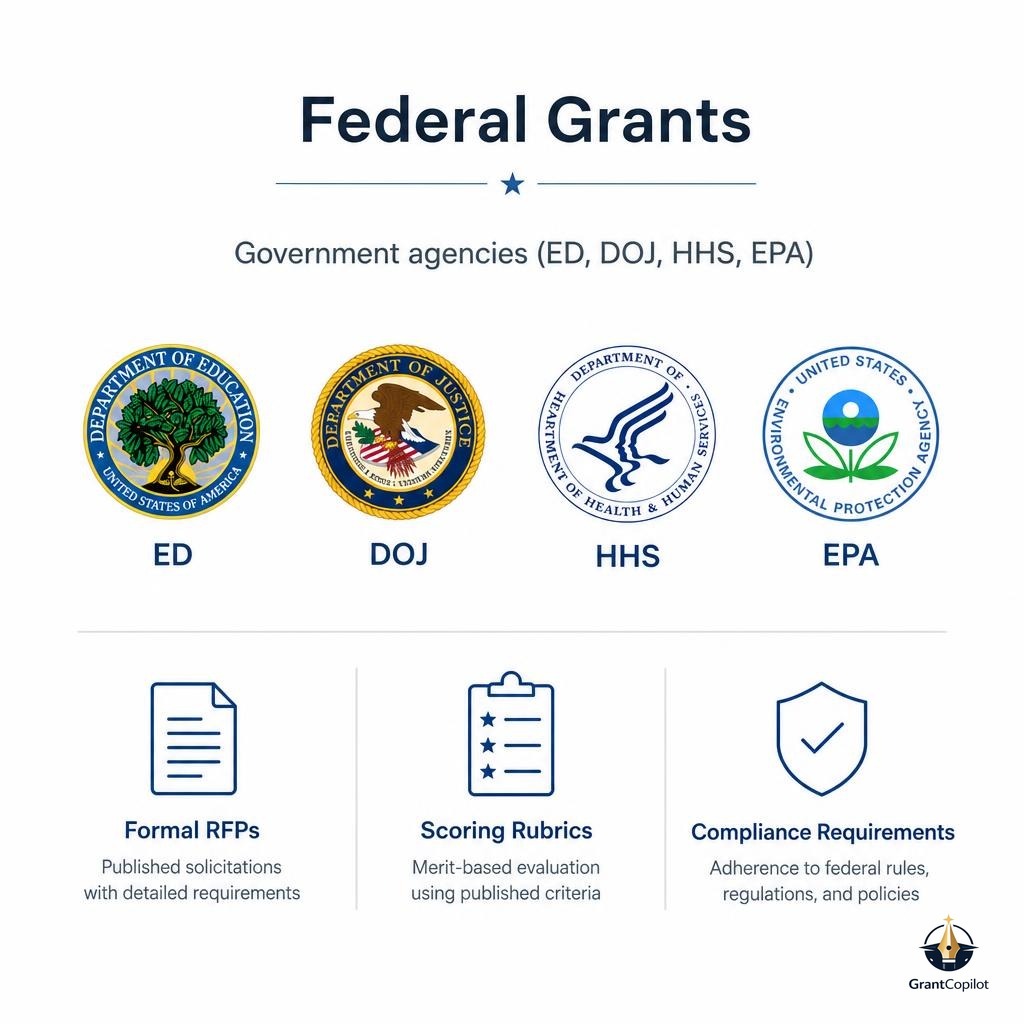
Federal grants
Government agencies (ED, DOJ, HHS, EPA) with formal RFPs, scoring rubrics, and compliance requirements.
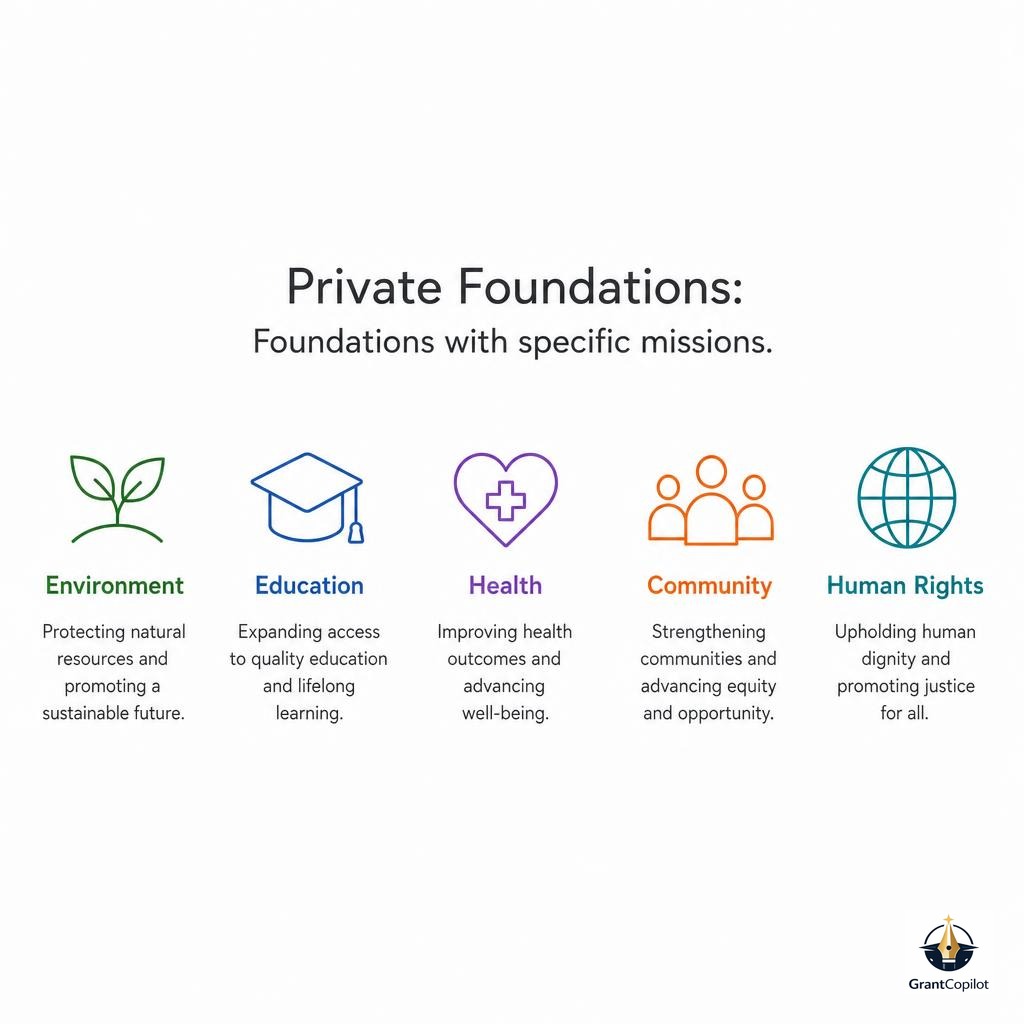
Private foundations
Foundations with specific missions, letter-of-inquiry processes, and relationship-based awards.
Corporate & community grants
Company giving programs and community foundations with local-impact focus and shorter application cycles.
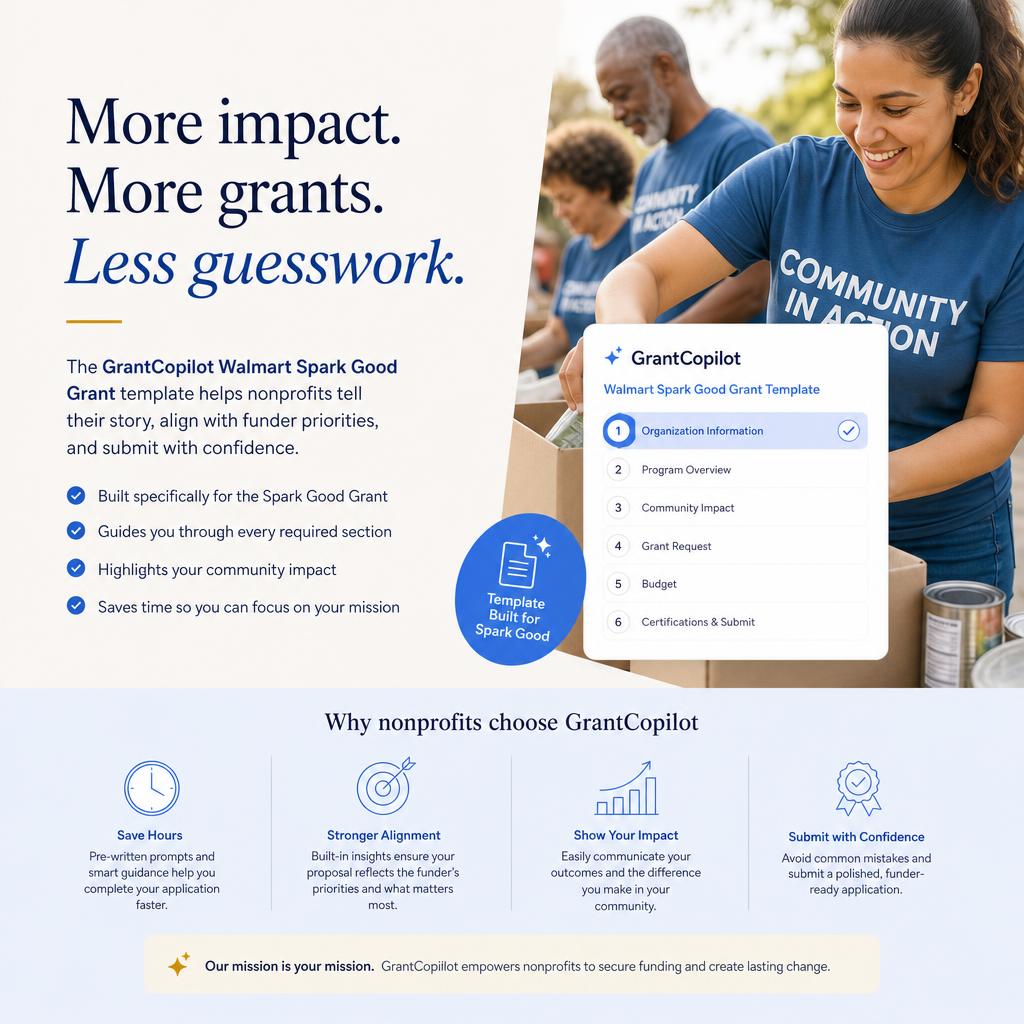
Walmart Spark Good: local community grants for nonprofits
Searching for Walmart grants for nonprofits? The Walmart Spark Good grant program awards $250 to $5,000 in local community grants to 501(c)(3) public charities, schools, and faith-based organizations near participating Walmart stores, Sam's Club locations, and distribution centers. GrantCopilot includes a dedicated Spark Good application template so you can draft a competitive submission for the current grant cycle in less time.
Grant amount
$250 – $5,000
Who can apply
501(c)(3) nonprofits, schools, and faith-based organizations
Application cycles
Three review windows per year, each with a fixed deadline
Review criteria
Mission Aligned, Builds Trust, and Effectiveness
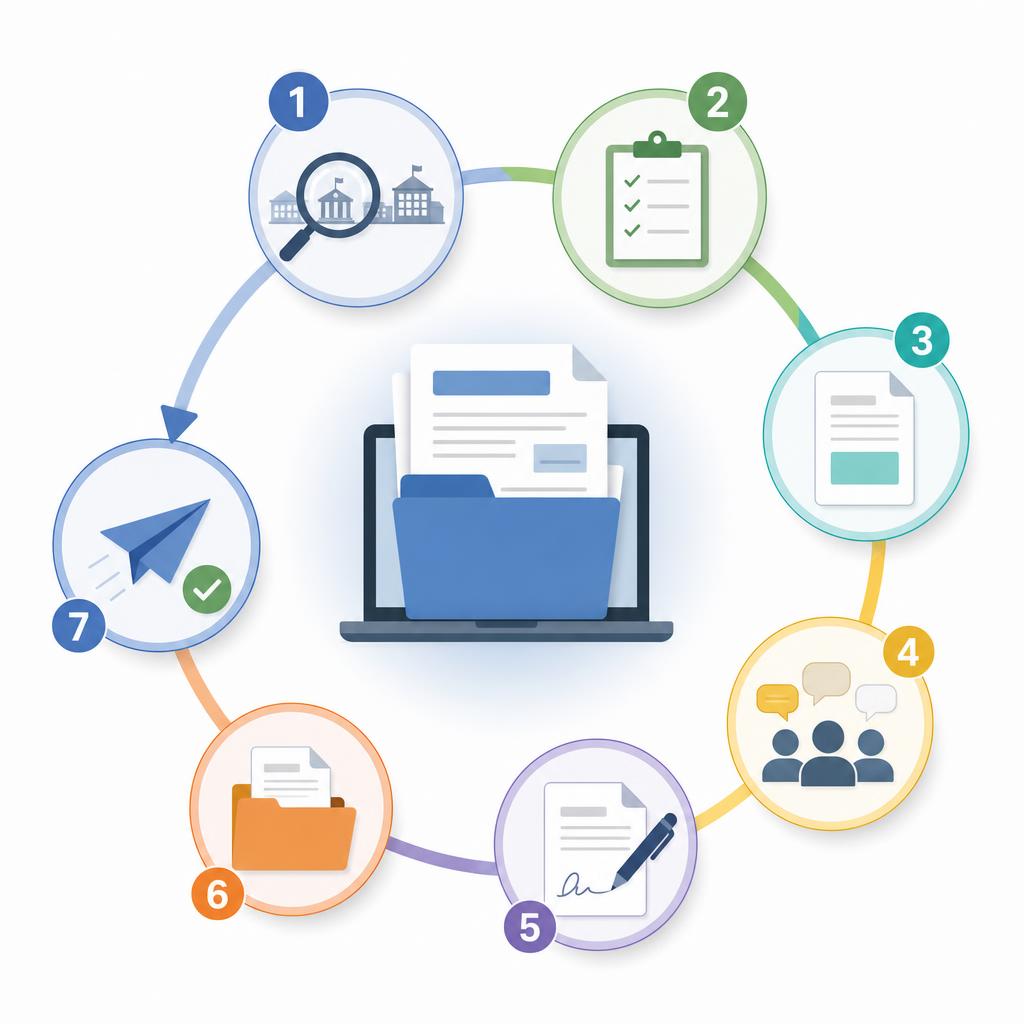
Seven steps from search to submission
Follow this workflow for federal, foundation, corporate, or community grants. GrantCopilot guides you through each step.
01
Understand what funders want
Nonprofit grants focus on community impact and measurable outcomes. Funders look for a clear problem statement, an evidence-based approach, measurable goals, organizational capacity, and a sustainability plan.
02
Find the right opportunities
Search by focus area, agency, award amount, or deadline. Filter for 501(c)(3)-eligible grants and check geographic restrictions, matching-fund requirements, and program alignment before applying.
03
Check eligibility with AI
Open any grant opportunity and click 'Check Eligibility with AI.' Compass analyzes your fit, flags red flags, and highlights the areas where you do and don't meet the requirements.
04
Create your proposal
Start from a bookmarked grant, or create a proposal for foundation and corporate opportunities not in federal databases by pasting the RFP or a link to it. GrantCopilot creates only the sections the funder asks for. With no RFP, you start from a standard nonprofit template.
05
Write key sections
Draft your Statement of Need first (data-driven case), then Goals & Methods, Evaluation Plan, Budget, and finally the Executive Summary. Use Compass in each section for AI feedback.
06
Build budget & sustainability
Detail personnel, equipment, supplies, travel, and indirect costs. Write a budget narrative that ties every line item to your methods, and show funders how the work continues after the grant ends.
07
Prepare attachments & submit
Gather your 501(c)(3) letter, board list, financial statements, letters of support, and staff bios. Export to PDF, complete an internal review, and submit at least 24–48 hours before the deadline.
Typical nonprofit proposal sections
GrantCopilot creates these sections automatically when you select a nonprofit grant template. Each section has AI guidance built in.
Executive Summary
A compelling 1–2 page overview of your mission, the problem, your proposed solution, target population, and key outcomes. Write this last.
Statement of Need
Data-driven case for why this project is necessary, with statistics, geographic context, and a clear connection to the funder's priorities.
Goals & Methods
SMART objectives (Specific, Measurable, Achievable, Relevant, Time-bound) with step-by-step methods and a clear project timeline.
Evaluation Plan
Quantitative and qualitative metrics, data collection methods, reporting schedule, and how you'll adjust if results fall short.
Budget & Narrative
Detailed line items for personnel, equipment, supplies, travel, and indirect costs, each justified and connected to your methods.
Sustainability Plan
Show funders how the work continues: diversified revenue, partnership strategies, community ownership, and plans to institutionalize results.
Tips for stronger nonprofit proposals
Eligibility tips
Verify your 501(c)(3) status or fiscal sponsor arrangement before applying.
Check geographic restrictions, since many grants are state- or region-specific.
Confirm you can meet matching-fund requirements before investing time.
Writing tips
Lead with impact: start your needs statement with the most compelling data point.
Use the funder's language and mirror keywords from the RFP in your narrative.
Click the Compass icon in any section for AI-generated templates and research.
Submission tips
Submit at least 24–48 hours before the deadline to avoid portal issues.
Have a colleague or board member review the full proposal before export.
Keep confirmation receipts and save a complete copy for your records.
Ready to write your nonprofit proposal?
Start a free trial to access nonprofit templates, AI eligibility checks, and section-by-section writing guidance.
Frequently asked questions
No. GrantCopilot works for any organization writing grant proposals. However, many federal and foundation grants require 501(c)(3) status or a fiscal sponsor. The AI eligibility check will flag this for each opportunity.
Yes. You can create a blank proposal from your workspace and enter the funder's details manually. This works well for private foundation grants, corporate giving programs, and local funding opportunities.
Compass provides nonprofit-specific templates for needs statements, evaluation plans, and budget narratives. It can research best practices, suggest relevant statistics, and give section-level feedback aligned with common funder scoring criteria.
Yes. GrantCopilot includes a dedicated Walmart Spark Good template for the real, single combined application field, with AI drafting help and guidance aligned to Walmart's Mission Aligned, Builds Trust, and Effectiveness review criteria.